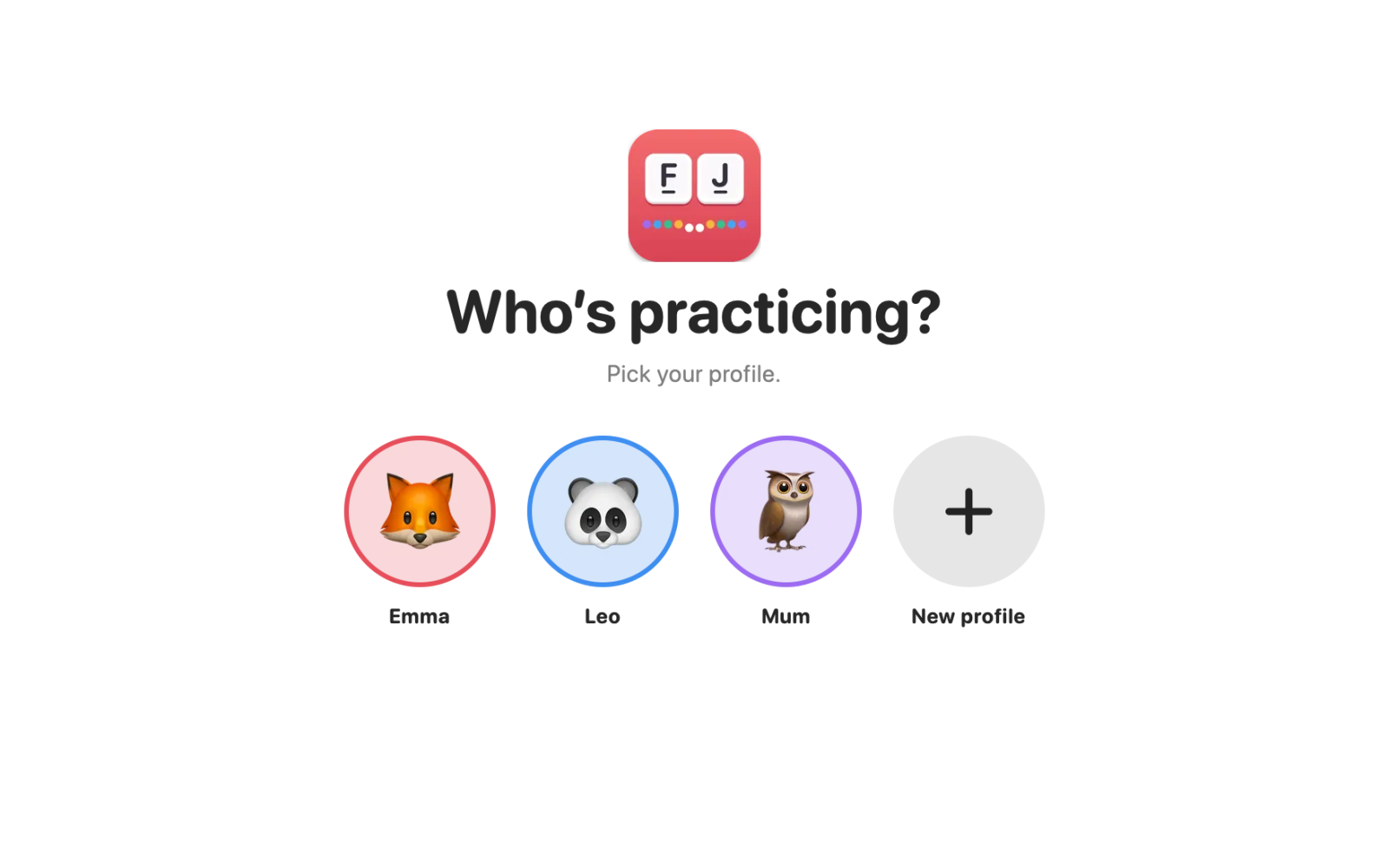
A profile for everyone
Each child picks an animal and gets their own course, stars and streak. Siblings, a parent who wants to brush up: everyone starts from where they are.
 TifingerComing soon
Tifinger is a touch-typing course for children and teens on the Mac. It starts with F and J on the home row and ends with the whole keyboard, on your child’s own layout. Short lessons, stars, a balloon game, and not a single ad.
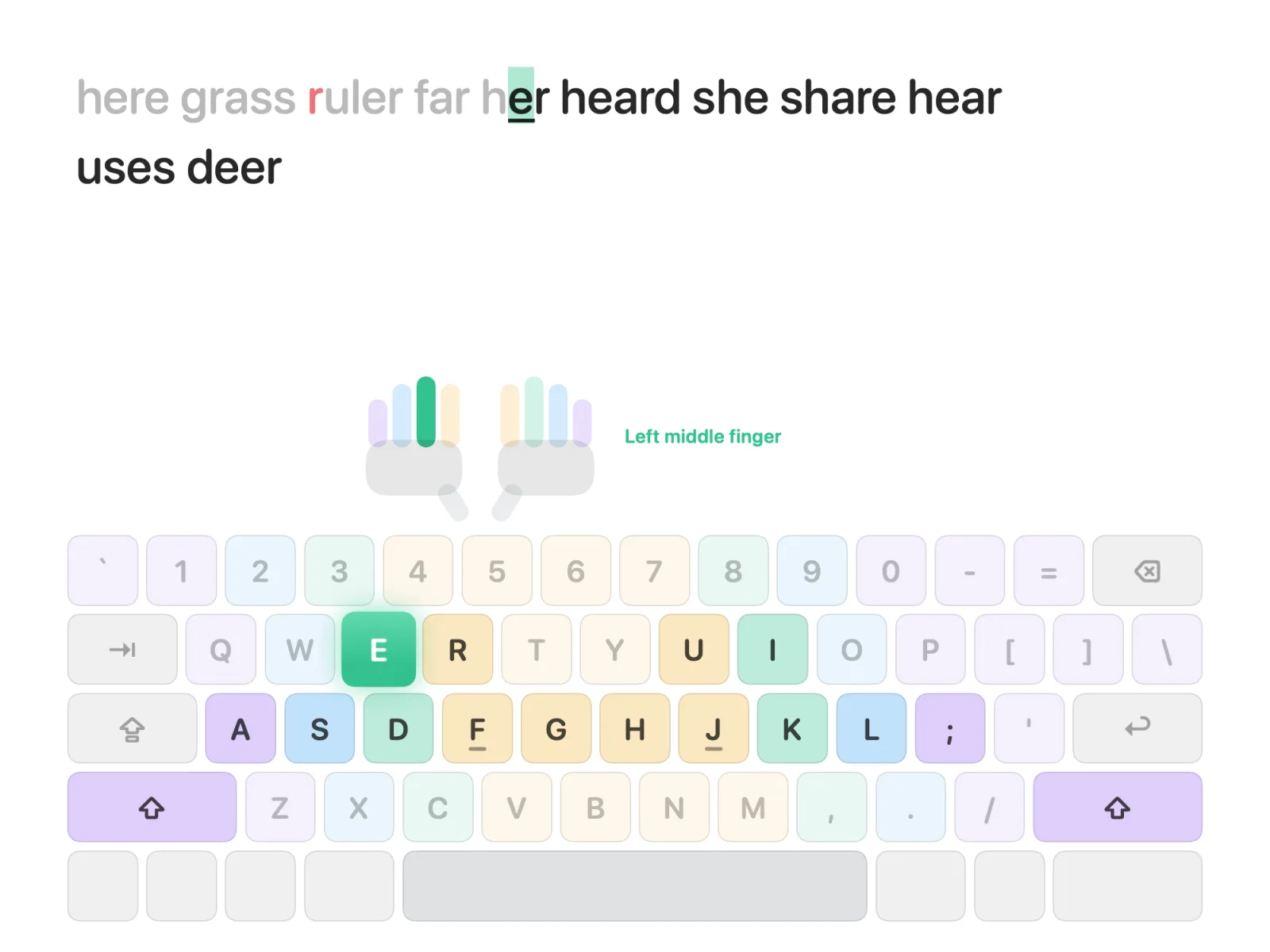
Each lesson brings two new keys and four short exercises. The keyboard on the screen shows the way, so eyes stay on the screen and off the keys.
Violet, blue, green and amber: each key on the drawn keyboard has the colour of the finger that types it, so the map is easy to remember.
The key to press glows, and the little hands show which finger to use. A wrong key just turns red; nothing moves until the right one is pressed.
One star for finishing, two for 90 % right, three for 96 % right at a calm speed. Accuracy comes first, speed comes later.
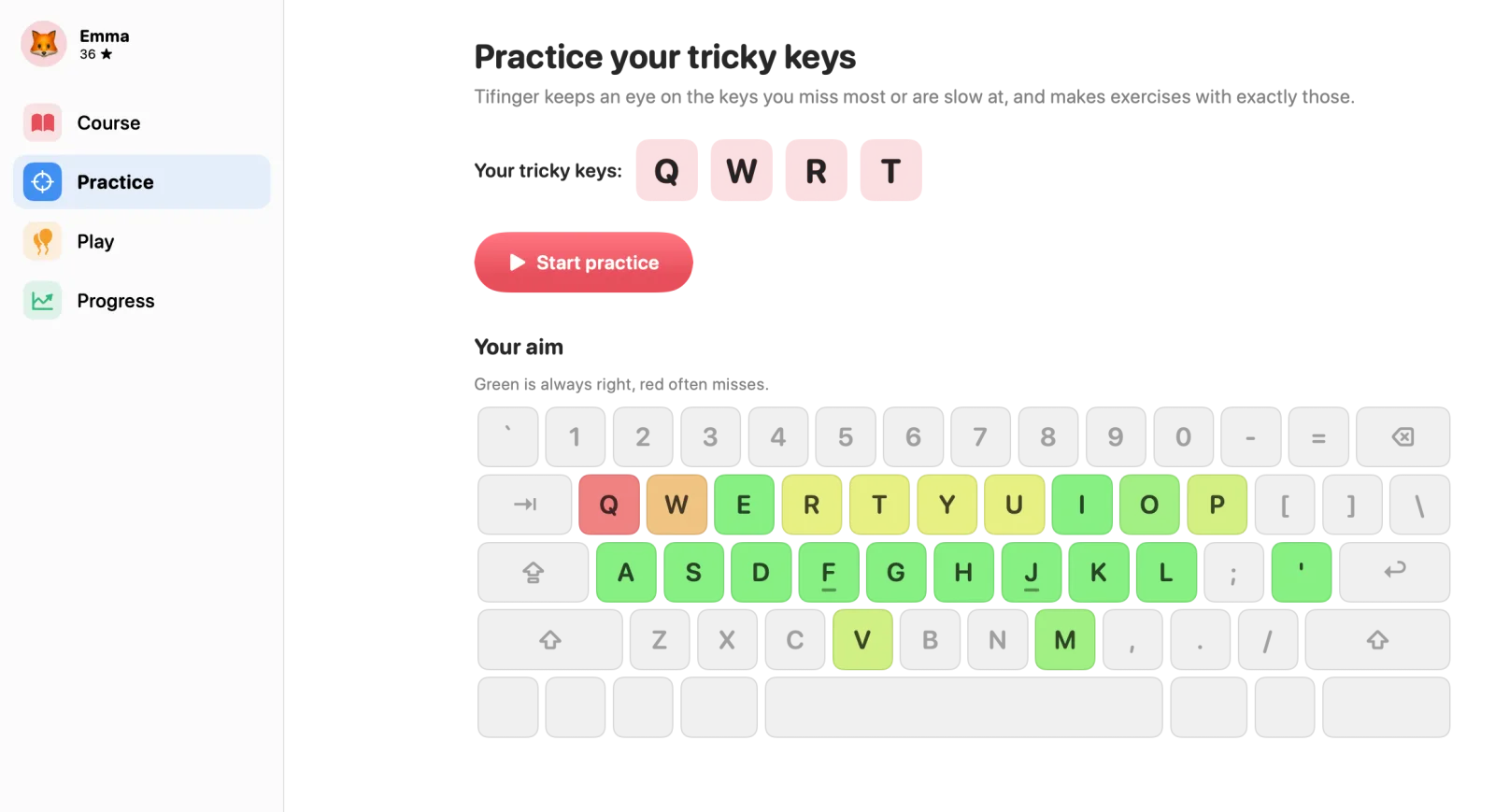
27 lessons in seven steps: the home row, the top row, the bottom row, the last letters, capitals with shift, numbers, and finally whole sentences. A daily goal and a streak keep it going, ten minutes at a time.
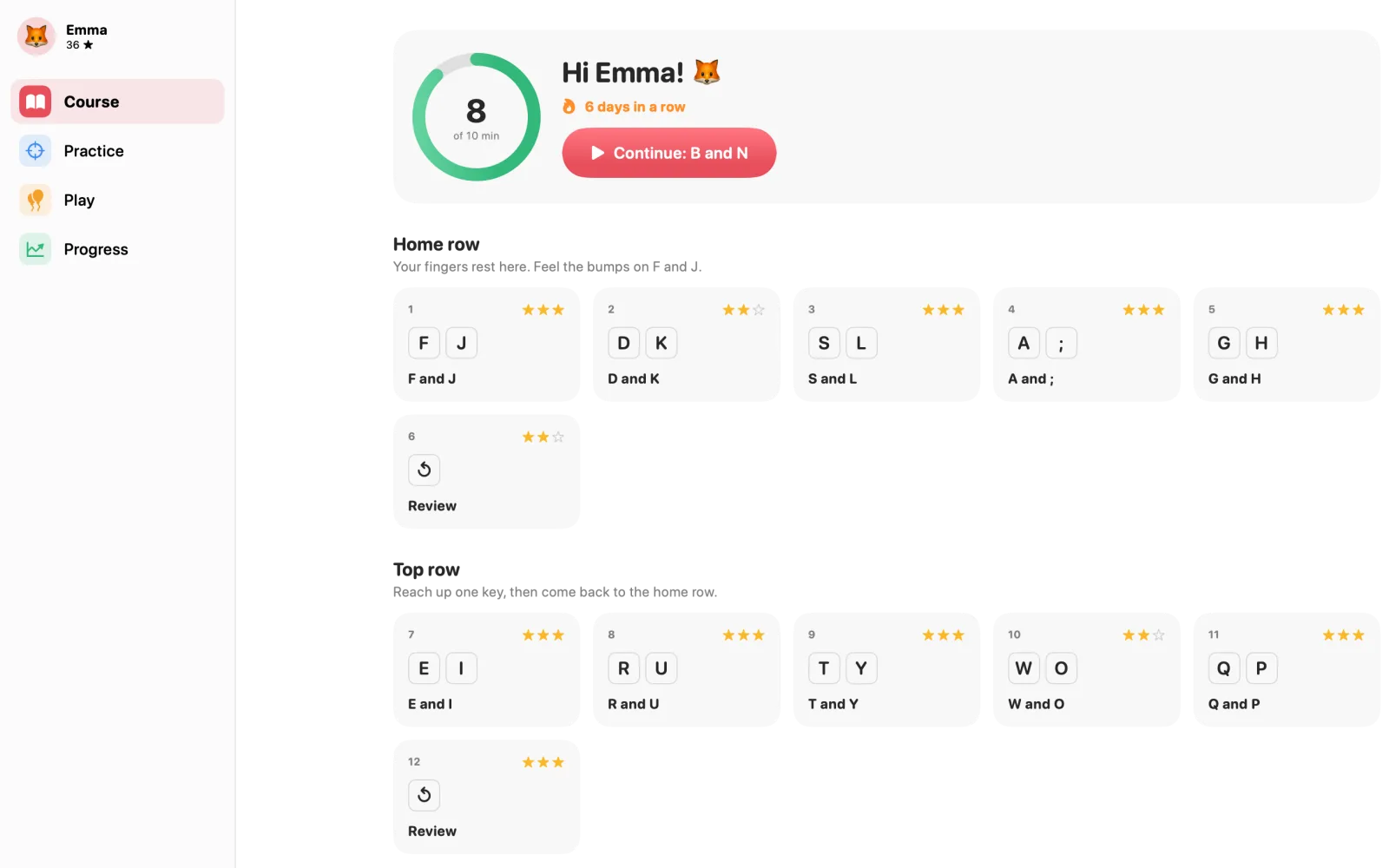
Tifinger notices which keys your child misses or types slowly, and makes a short drill with exactly those. A coloured keyboard shows what sits and what doesn’t: green is right, red is often missed.
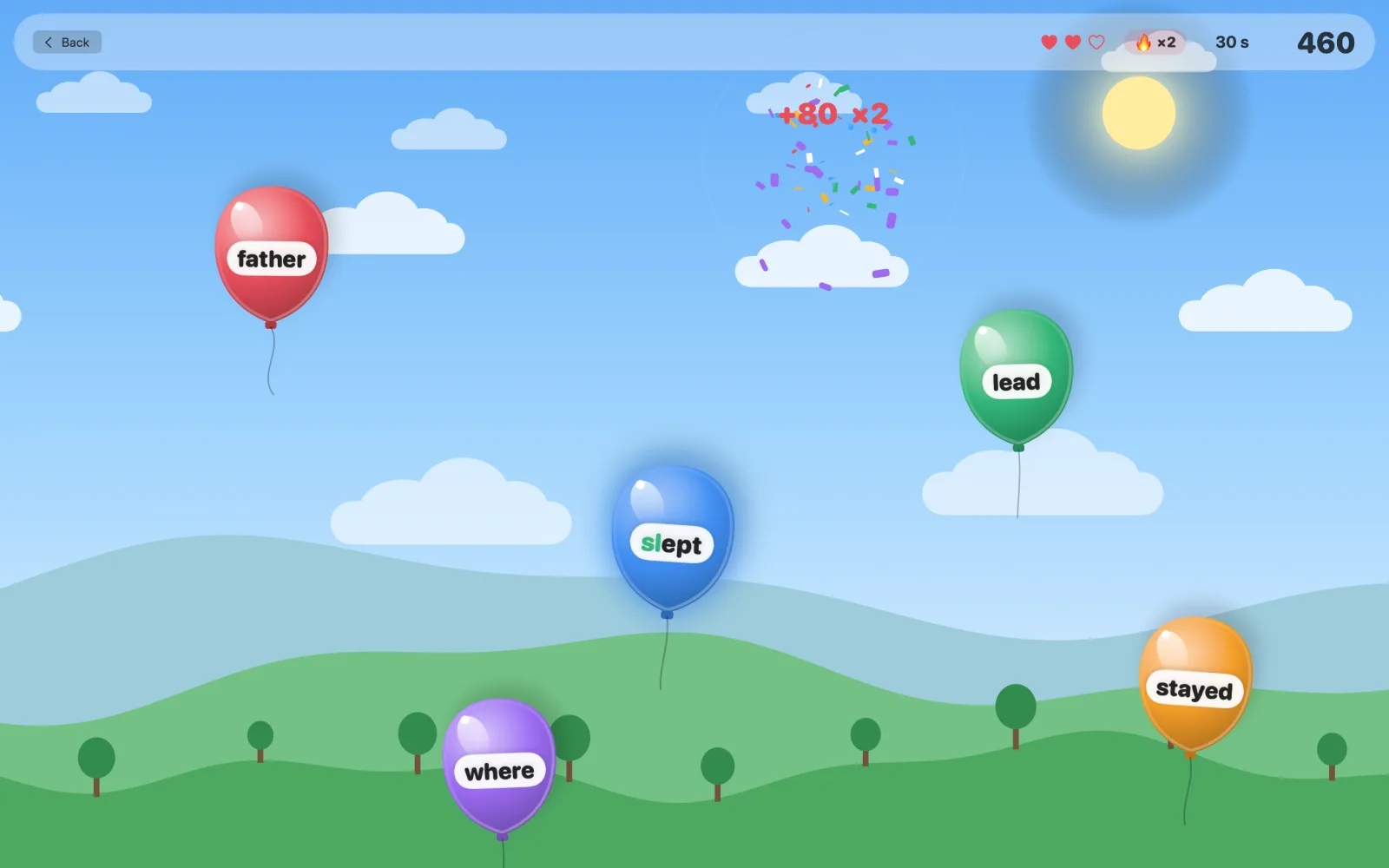
Words float up on balloons. Type a word to pop it before it flies away. One minute, three hearts, only the letters your child has learned so far, and the balloons speed up as the score climbs.
Each child picks an animal and gets their own course, stars and streak. Siblings, a parent who wants to brush up: everyone starts from where they are.
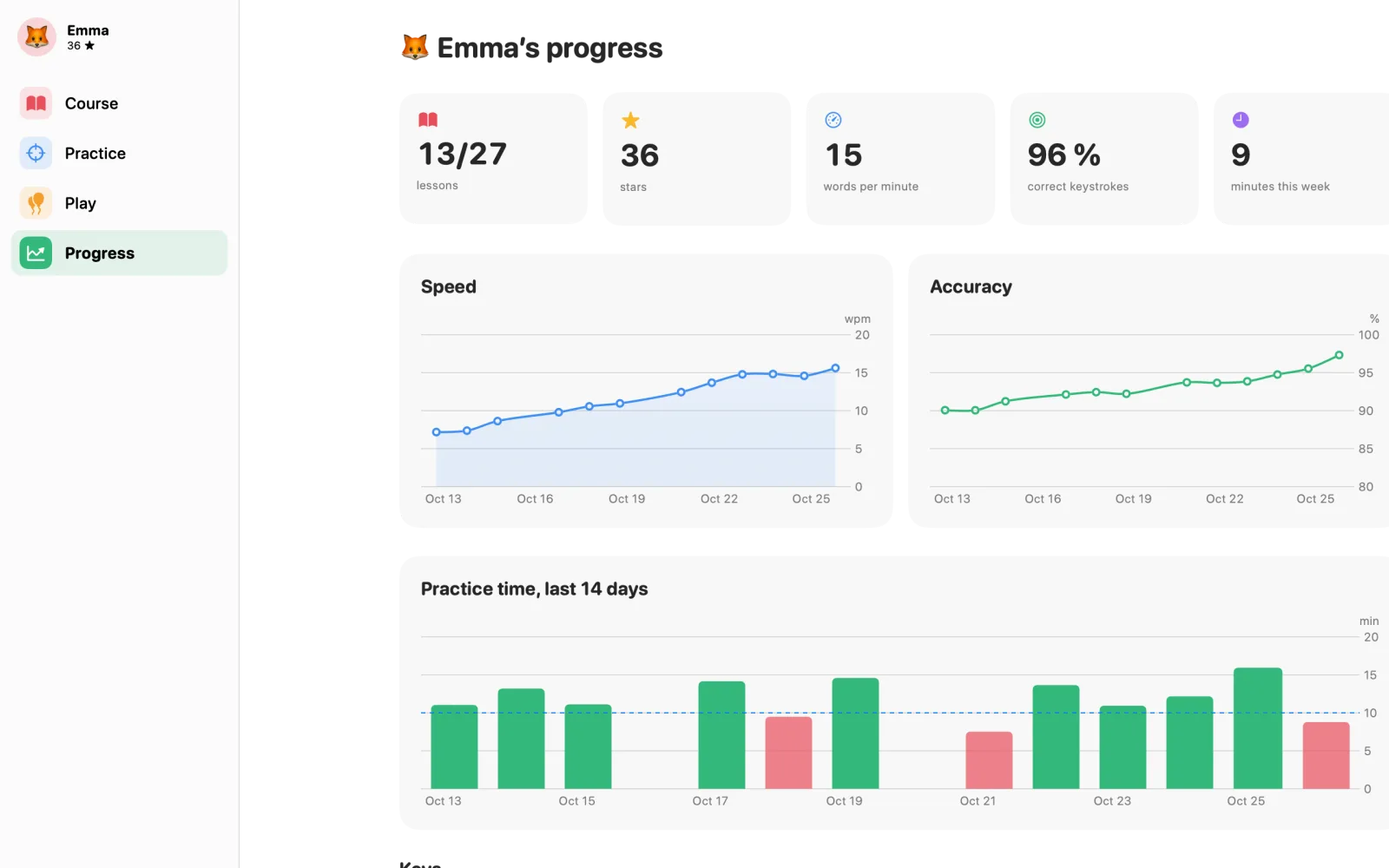
Words per minute, accuracy, lessons and stars, and minutes practised each day. You see how it’s going without looking over anyone’s shoulder.
Tifinger reads the keyboard layout your Mac uses and draws it on the screen, so the æ, ø and å, the ü or the ñ are right where they are on the real keys. Lessons are built from key positions, so they work on any layout, ISO or ANSI.
Practice words and sentences come in Danish or English, chosen per profile.
Tifinger has no account, no server and no network access at all. Profiles, stars and statistics are stored on your Mac and nowhere else.
Tifinger costs $4.99, once. No account, no ads, no tracking, and nothing leaves your Mac.
That’s all it ever costs. Every feature and every future update is included, for every profile in the family. No subscription, nothing to unlock later, and if something’s wrong, you write straight to Peter, who made it.
Coming soon to the Mac App StoreChildren who can read short words, from about seven or eight, up to teenagers. Lessons start slowly with two keys at a time, so younger children manage too. Adults who never learned to touch type can use it just as well.
Any Mac with macOS 14 Sonoma or later, with the built-in keyboard or an external one.
Yes. Tifinger reads the layout your Mac is set to (Danish, Norwegian, Swedish, German, US and any other) and shows exactly those keys. Change the layout in macOS and the lessons follow.
Danish and English, chosen per profile. The app itself is in twelve languages.
Yes. Make a profile for each child (and for yourself). Each has their own course, stars, streak and statistics.
No. Tifinger works fully offline and never connects to anything. There’s no account to create.
$4.99, once, on the Mac App Store. Every feature and every update is included. No subscription, no in-app purchases and no ads.